
What an AI search actually reads on your website (and what it can't)
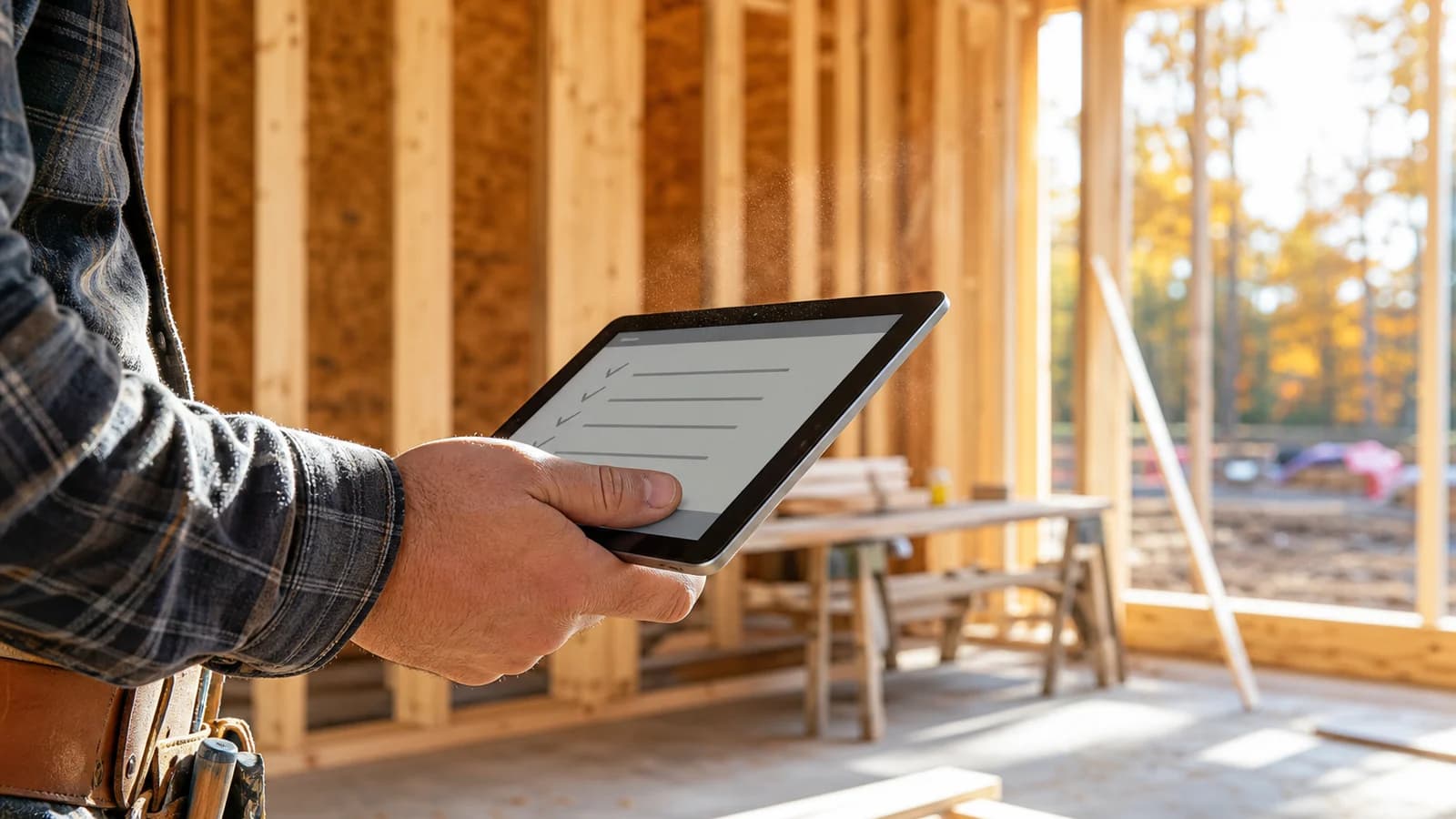
A homeowner opens your website on her phone. She sees the crew photo on the job, the green truck, the big banner with your slogan, and a phone number in the top corner. In two seconds she knows who you are. Now picture a second visitor to the same page: the crawler that ChatGPT, Perplexity or Google's AI answers send out to read it. It sees none of that. It sees whatever is actually written in the page itself, in order, top to bottom, and then it moves on. Those two visitors can leave with very different ideas about your company, and only one of them is writing the answer a homeowner reads when she asks who to call.
Think of it as an inspection
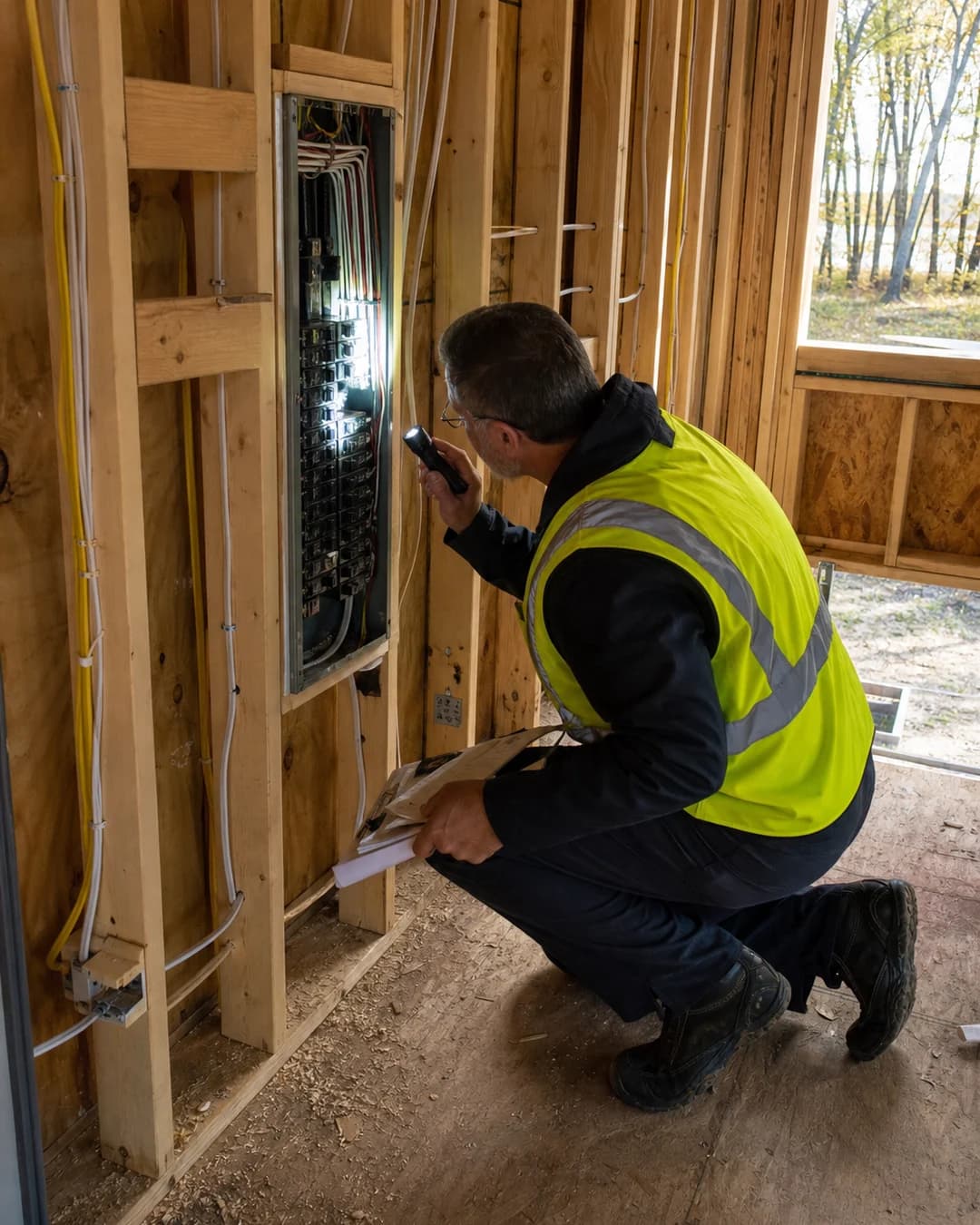
When an inspector walks a house, he doesn't care how nice the paint looks. He opens the panel, checks the framing, reads the paperwork on file. A crawler does the same to your site. It reads the structure and the words, then decides what it can say about you with confidence. So the useful question is: if I strip the pretty out, what's still standing?
What a crawler reads without trouble
These are the things that sit in the page itself as plain text and markup. They get read, every time:
- Words in the page text. Your headline, your service descriptions, your service area, your hours, written as ordinary text. If you can highlight it with your mouse, it's text.
- Headings. The H1 and H2 lines that break a page into topics. They act like the labels on a set of plans: this part is about water heater replacement, this part is about the towns you serve.
- Structured data. A small block of code, usually called JSON-LD, that states your business name, address, phone, services and hours in a form a machine can read directly. Think of it as the paperwork on file with the inspector. A homeowner never sees it, and the crawler has no need to guess at what it says.
- FAQ markup. Questions and answers that are marked up so they read as questions and answers, not as one long block of text.
- Your name, address and phone number as text. Written out in the page, ideally the same way every time.
What it can't read
Here is where good-looking contractor sites quietly fall apart. Reading text out of a picture is not something to count on, and a lot of important information sits in places a crawler may never open:
- Words inside photos and graphics. A banner that says "Free estimates, family owned since 1994" is, to a crawler, just a picture. The same goes for a logo that contains your phone number, or a truck photo with your number on the door.
- PDFs you link to. Service sheets and brochures behind a "Download" button. A person can open them. Don't assume a crawler will.
- Sliders, tabs and widgets that need JavaScript. If your testimonials, your service list or your scheduling form only appear after a script runs, a crawler that reads the raw page may see an empty box. Crawlers differ here, so don't bet on it.
- "Click here" and "Learn more" pages. A button with no words around it tells a machine nothing about where it leads.
- A phone number that exists only as an image. This one stings. A homeowner can read it. The crawler gets a blank spot.
Try it yourself: the ten-minute inspection
You don't need a tool or an account. Do this on your own homepage:
- Highlight test. Drag your mouse across your phone number, your service list and your service area. Anything you can't highlight is a picture, not text.
- View the source. On a computer, press Ctrl+U in your browser (or right-click and choose View Page Source). A wall of code appears. Press Ctrl+F and search for your phone number, then for the name of your main service. If it isn't in there, it isn't in the page a basic crawler reads.
- Search for the paperwork. In that same code, search for "LocalBusiness". If it comes up with your name and address next to it, you have structured data. If not, you don't.
- Ask ChatGPT. Ask it which company in your trade serves your town and see whether it names you. Nobody controls what it says, so treat it as a look at how you show up today, not a pass or fail.
What you can do this month, no purchase required
- Type your phone number, address and service area into the page as ordinary text, in the footer at minimum, written the same way your Google Business Profile has them.
- Take the facts out of your banner images and put them in a plain line of text underneath.
- Turn the important PDFs into regular web pages, or at least repeat their key points as text on the page that links to them.
- Replace "Click here" and "Learn more" with words that say where the link goes, like "See our roof replacement process."
- Add LocalBusiness structured data to your homepage. Most website platforms have a plugin or a field for it, and free generators exist.
- Write five real questions from your phone calls as plain text on a page, and mark them up as FAQs.
- Optional: publish an llms.txt file, a plain text guide at yourdomain.com/llms.txt telling AI crawlers what your site is about. It costs nothing, but Google says its AI features don't need one, so treat it as a nice-to-have, not a ranking secret.
Two things the engines say themselves. OpenAI says sites that block its search crawler, OAI-SearchBot, won't be shown in ChatGPT search answers (OpenAI crawler documentation). Google says a page must be indexed and eligible for a snippet in regular Search to appear in AI Overviews or AI Mode, and that no special AI files or markup are needed (Google Search Central). So the first job is to let them in and keep the facts in plain, readable text.
What it looks like when the facts are readable
Alpine Peak Roofing scored 52 out of 100 on our five-part AI-search readiness check before we fixed it (August 2026), and 95 when we re-checked it on October 10, 2026. Silver Loon Roofing went from 74 to 97 on the same check, and EcoGuard Insulation from 72 to 94. In each case the company, the crew and the reviews were the same. What changed was that the facts already true about the business were put where a crawler could read them. We can't promise what ChatGPT or Google will say about anyone. But a business that can't be read can't be named, and that part is fixable.
If you'd rather see your own site's inspection than do it by hand, the free audit runs the check in seconds: type in your web address and get a score out of 100, with no email, no card and no call. Pick the door for your trade: builders, roofing, mechanical or site work.
Run your site through the free audit at peakgrowthpartner.com. It takes seconds, and it shows you what a crawler sees on your homepage.
Run the free audit